
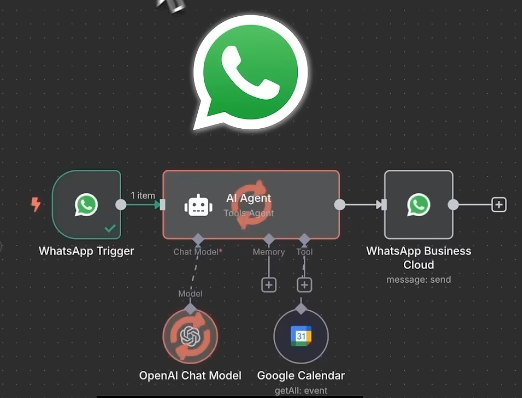
How to Build a WhatsApp AI Agent
How to Build a WhatsApp AI Agent
Ever wanted a personal assistant that can intelligently reply to WhatsApp messages for you?
Today, we’ll walk through a simple way to create an AI Agent that uses the power of ChatGPT to automatically handle your chats.
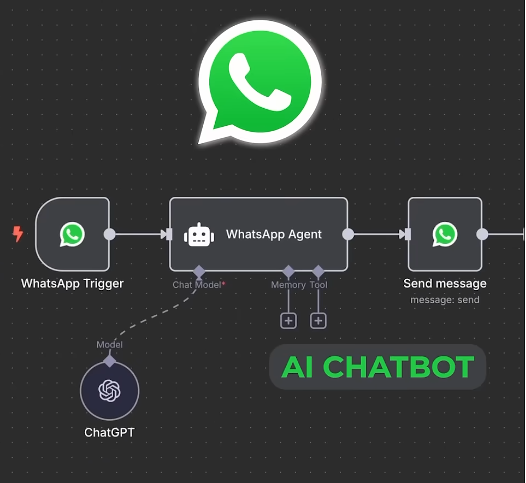
What Can an AI Agent Do?
Imagine someone sends you a message on WhatsApp like,
“What are the benefits of an AI Agent?”
Your Agent instantly reads the message, passes it to ChatGPT to generate a smart, relevant reply, and then sends that answer straight back to the person — automatically.
Pretty cool, right?
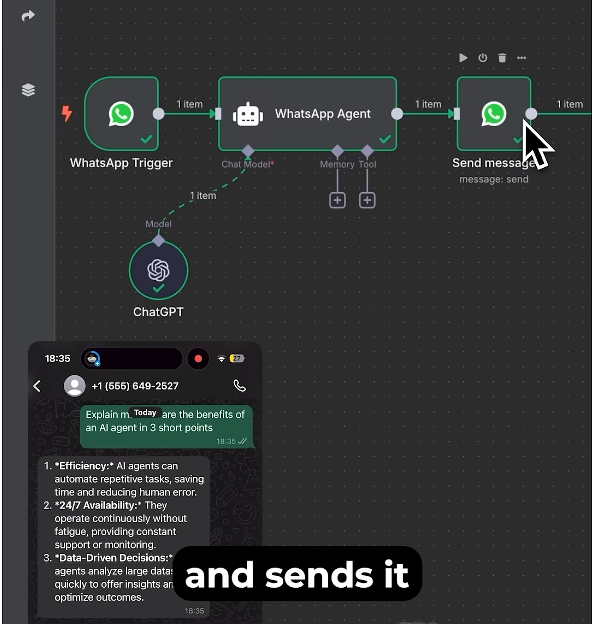
How to Build It (So Simple It Feels Too Easy!)
- Start with WhatsApp
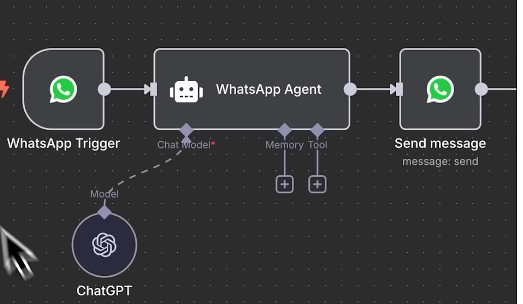
Add a WhatsApp node to your workflow so it can receive incoming messages.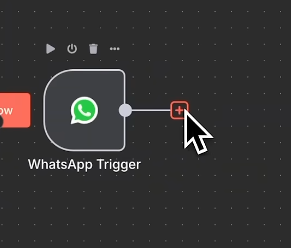
- Add the AI Agent
Connect the AI Agent node — this will be the core of your system. - Give the Agent a Brain
Your Agent needs something to think with, so connect it to ChatGPT.
Setup is straightforward: just log in with your OpenAI account.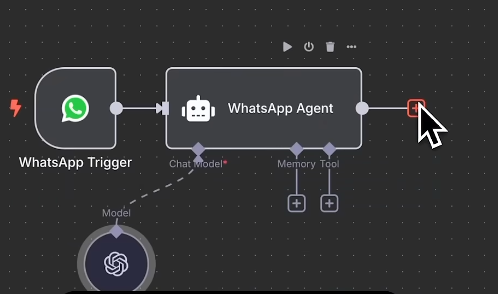
- Finish with the Reply
Finally, connect WhatsApp again so the Agent can send its responses back to your friends or customers.
Summary
With just a few clicks in n8n, you’ll have a WhatsApp AI Agent ready to work for you.
If you want a full step-by-step walkthrough, be sure to check out the complete video for a deeper dive. 🚀